Rainbow POS
Restaurant AI System
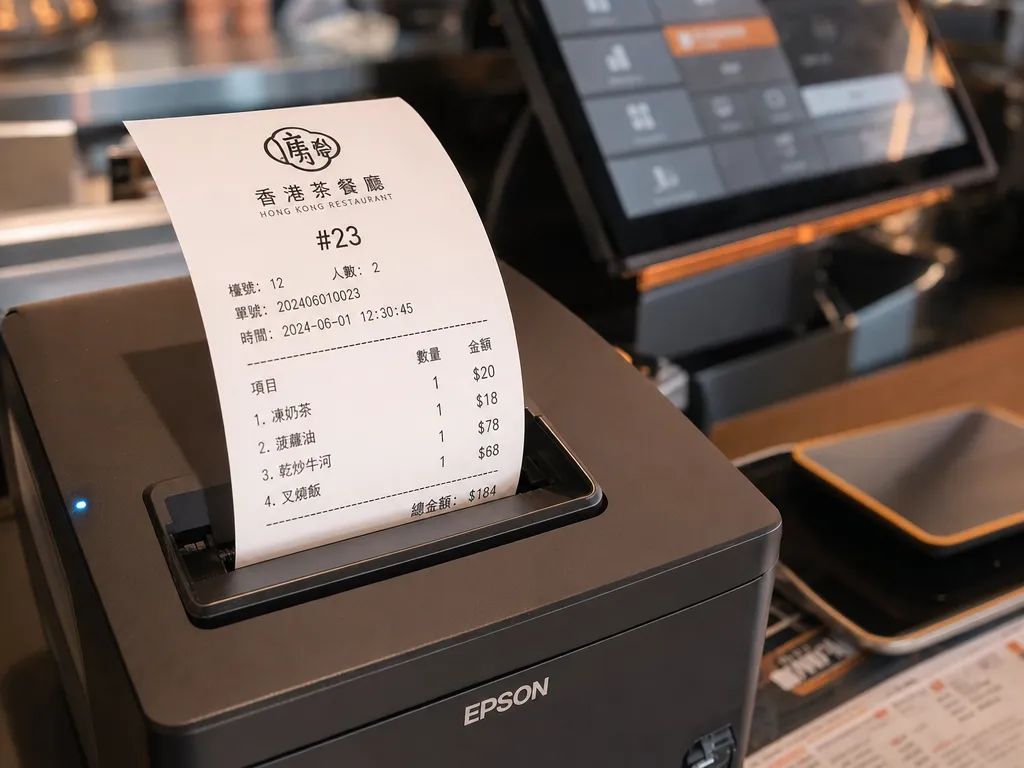
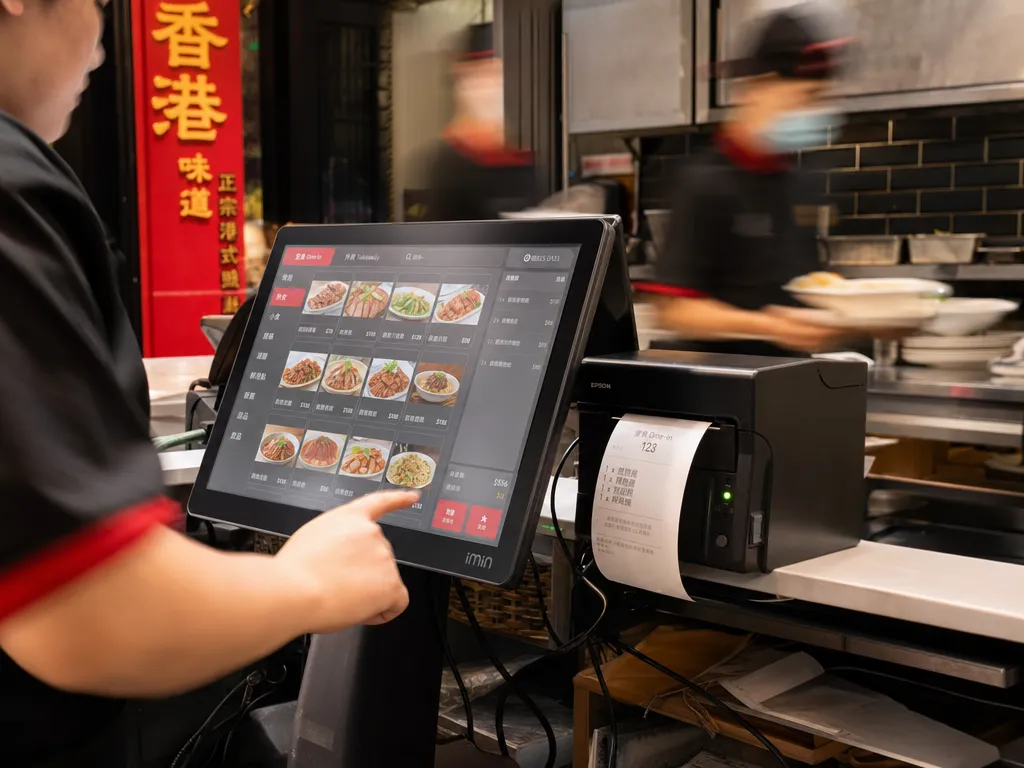
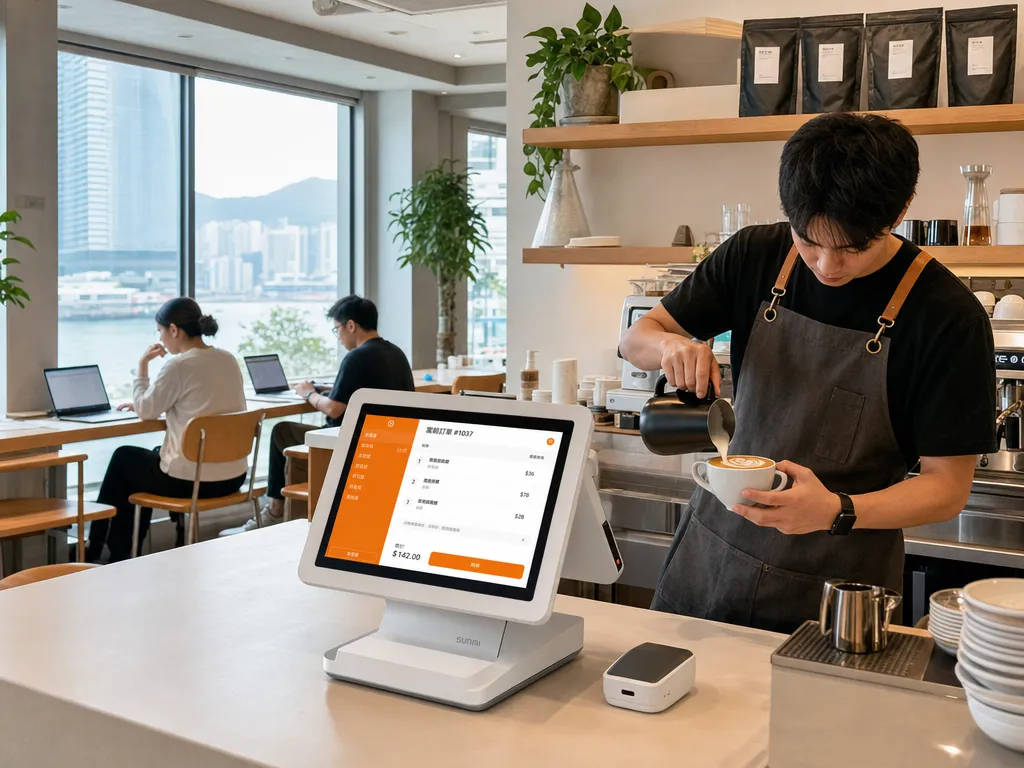
POS terminal and receipt printer on a Hong Kong restaurant counter
Rainbow POS · AI restaurant POS for Hong Kong

Open a trial shop in 5 minutes.

Rainbow POS brings ordering, kitchen display, printer workflows, reports, and AI tools into one self-serve system for Hong Kong restaurants.

No card required
300 AI Credits included
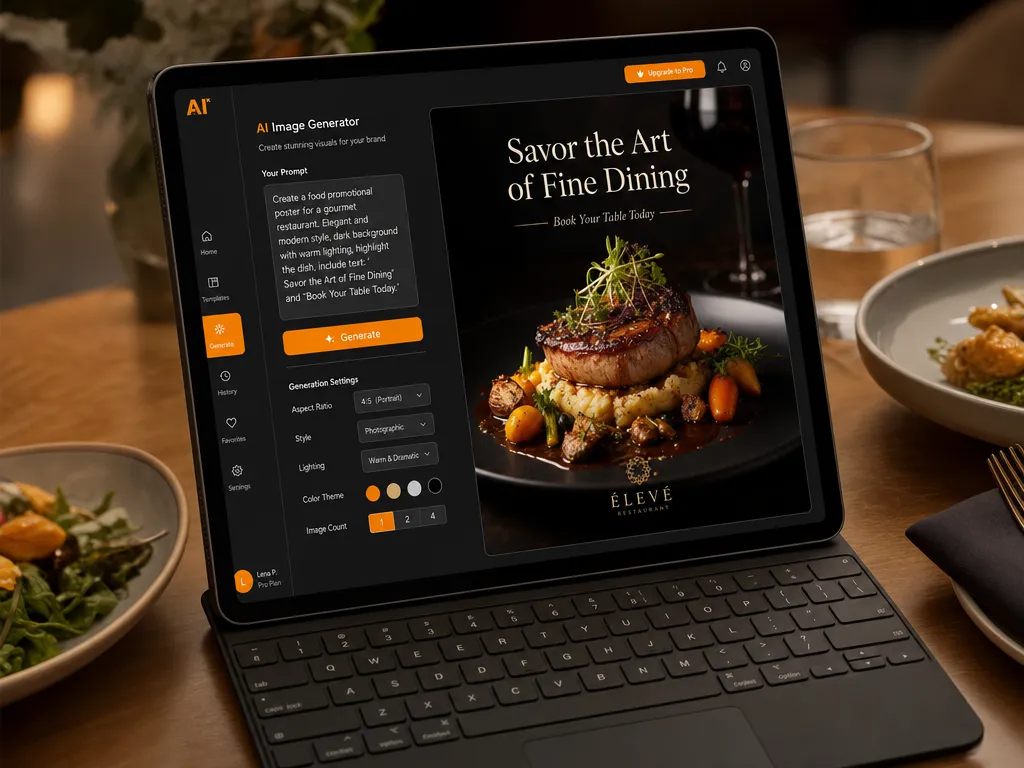
Soft-printer sandbox
Trial store created
01/03
POS ready
KDS live
AI brief
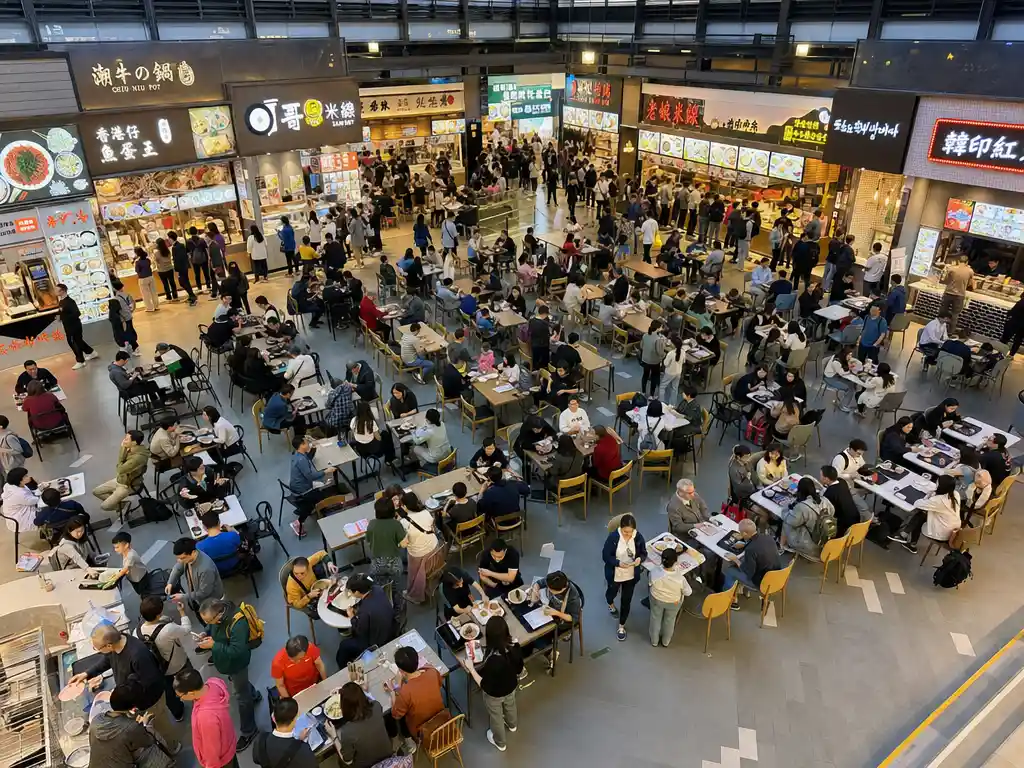
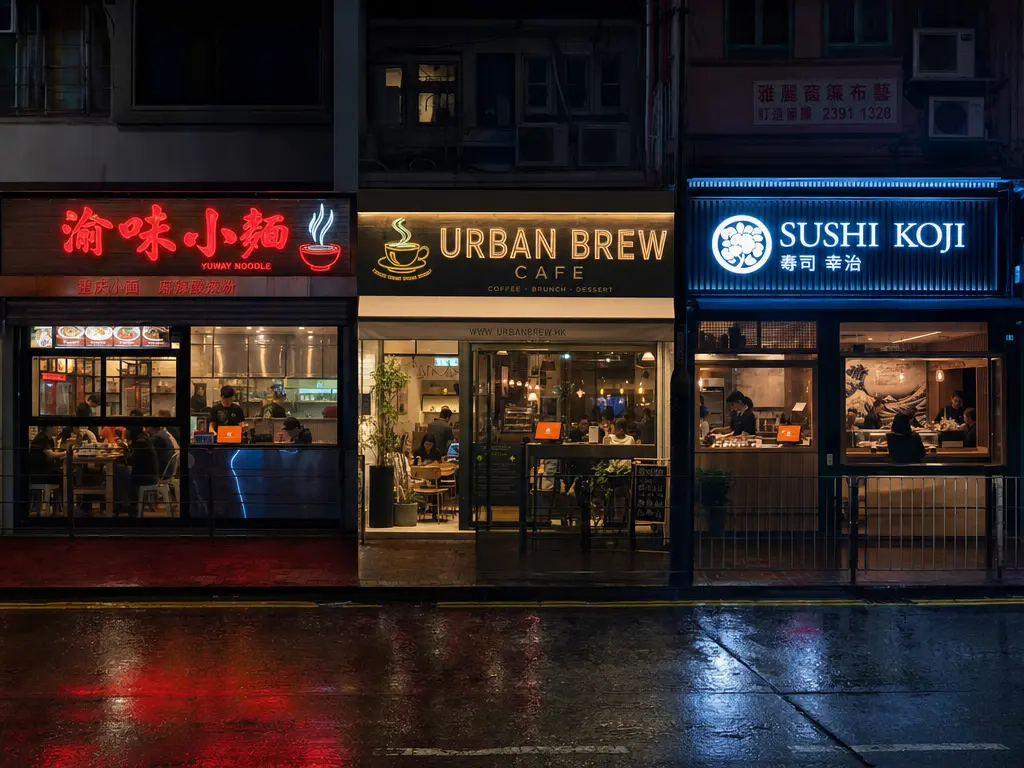
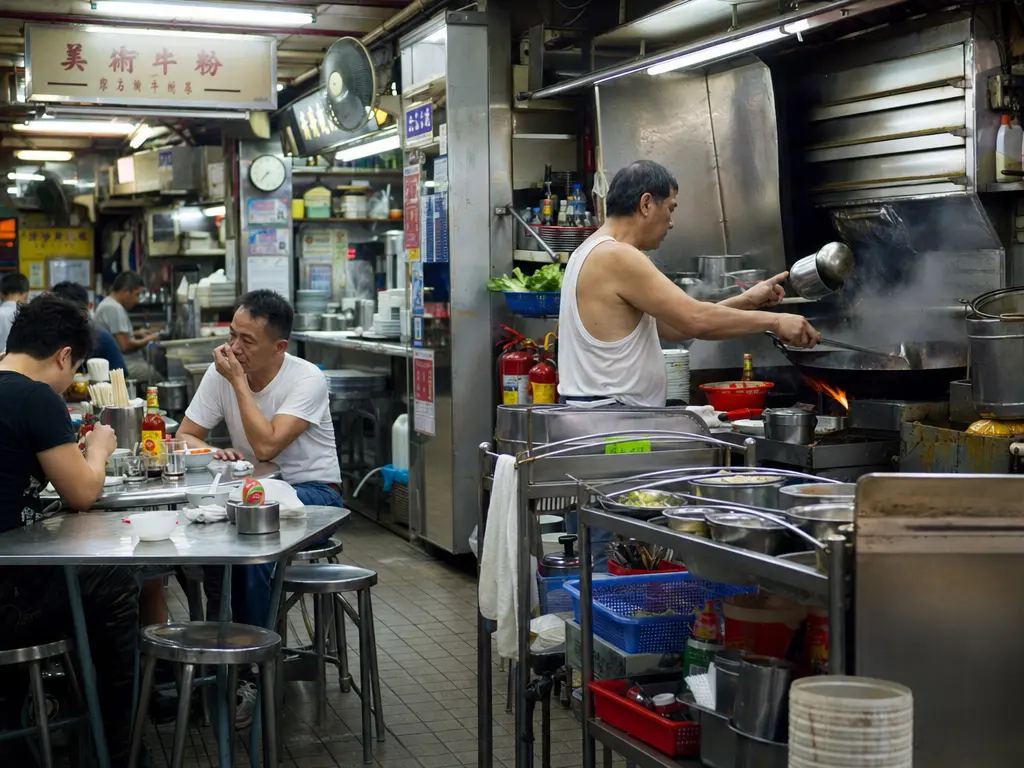
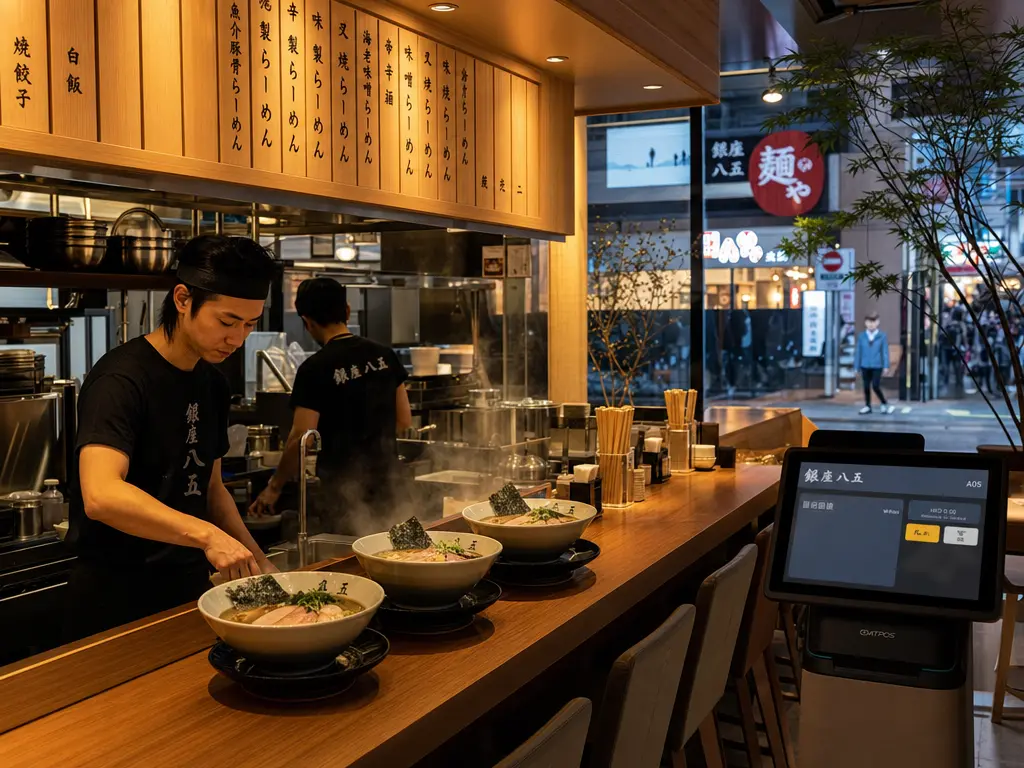
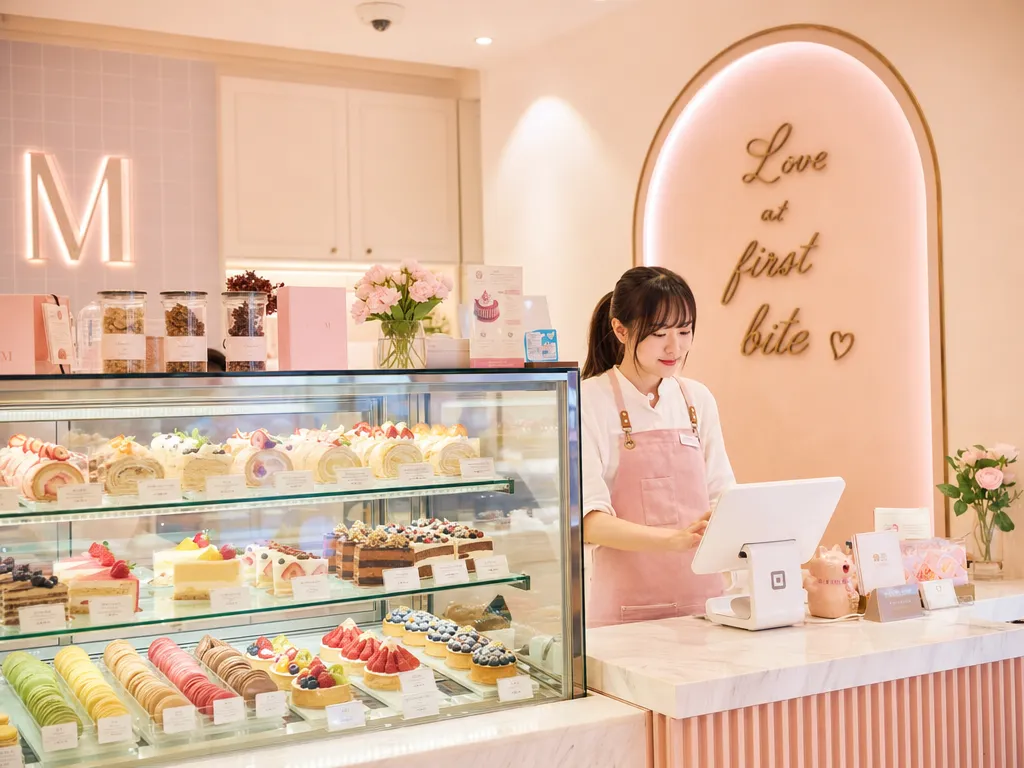
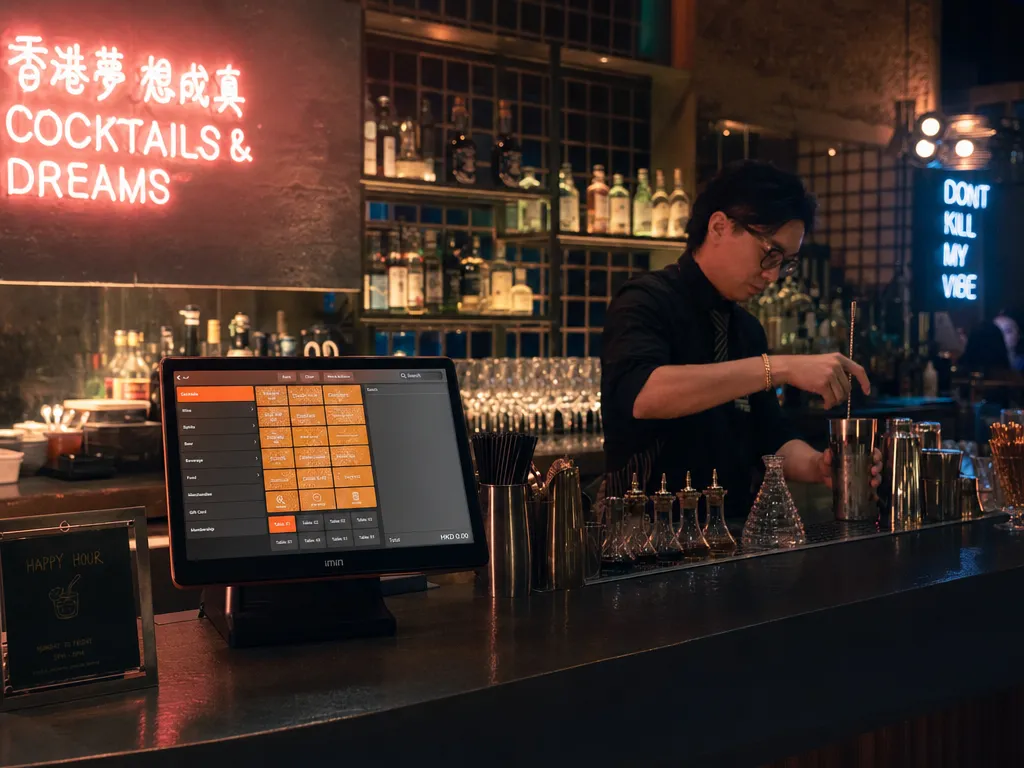
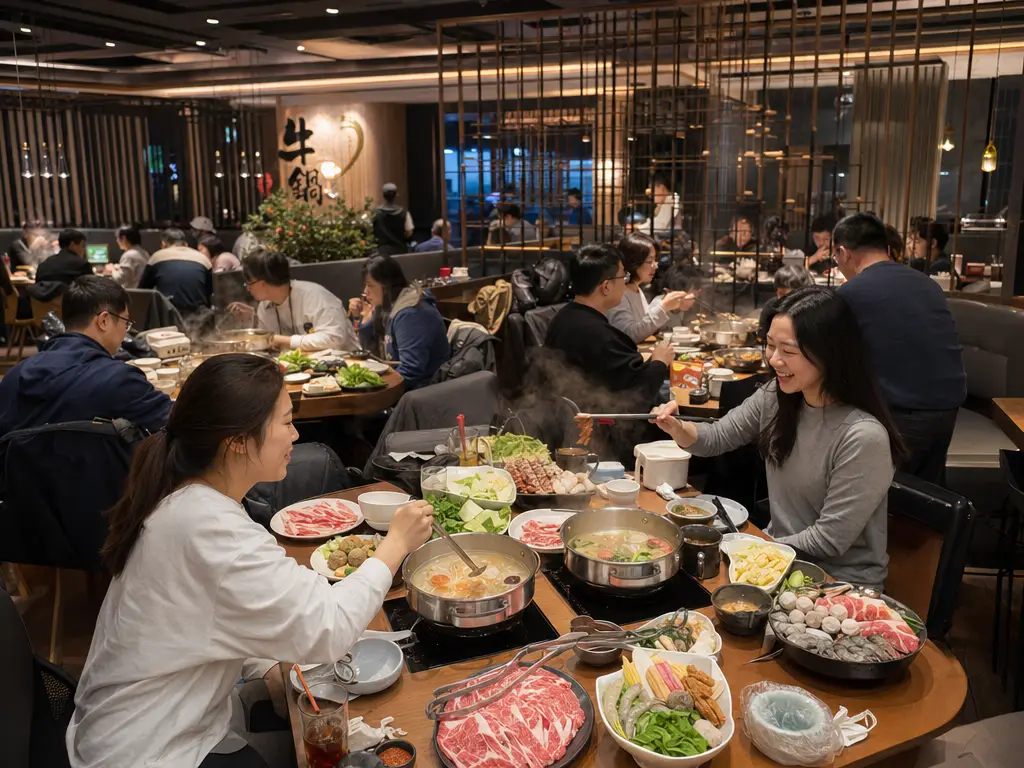
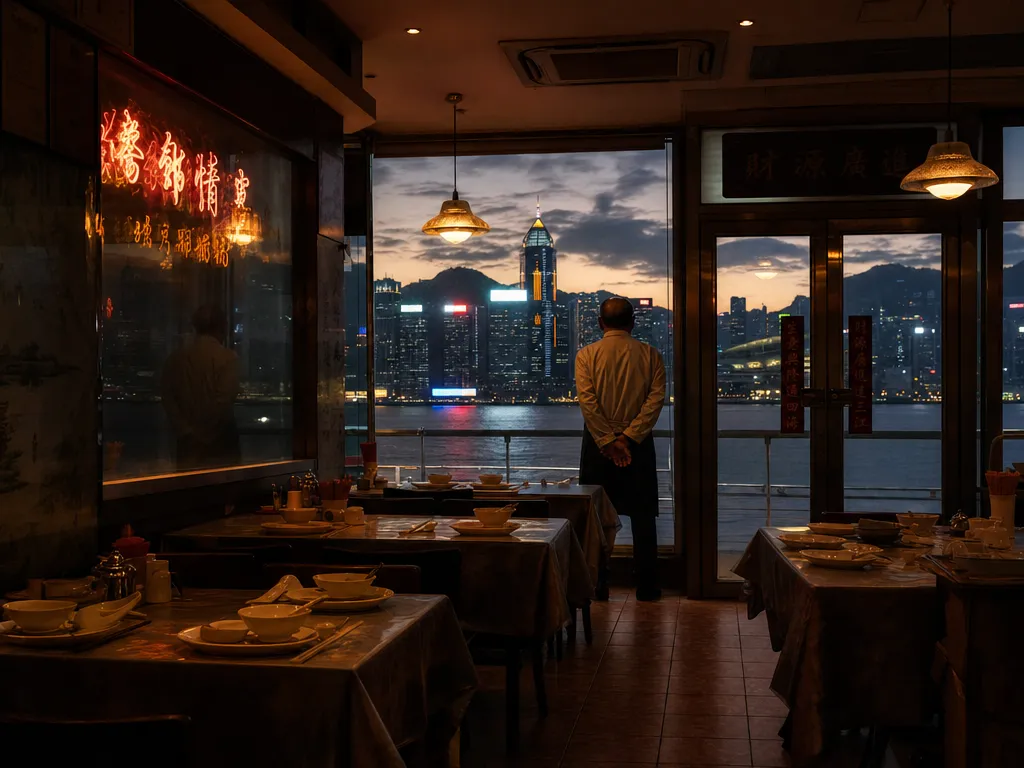
Built for cha chaan tengs, Chinese restaurants, cafes, bars, and multi-branch groupsAI · POS · KDS · Printer · Reports
Core features

More than checkout. It helps the restaurant run smoothly.

Rainbow POS now covers ordering, kitchen output, CRM, AI reporting, billing plans, and platform operations for both single stores and growing groups.

Dine-in and takeaway ordering

Tables, edits, discounts, refunds, and kitchen tickets stay in sync without manual paper handoffs.

Printer setup without IT

Kitchen tickets, receipts, reprints, and a soft-printer sandbox are ready; production can use mDNS, QR, or LAN IP.

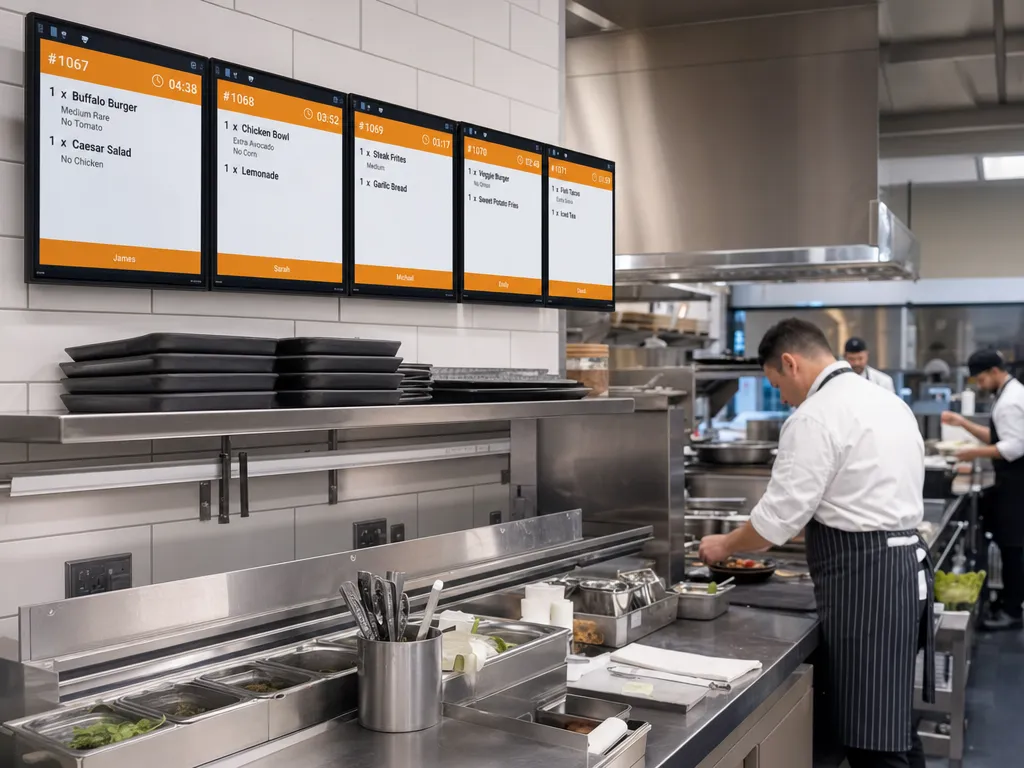
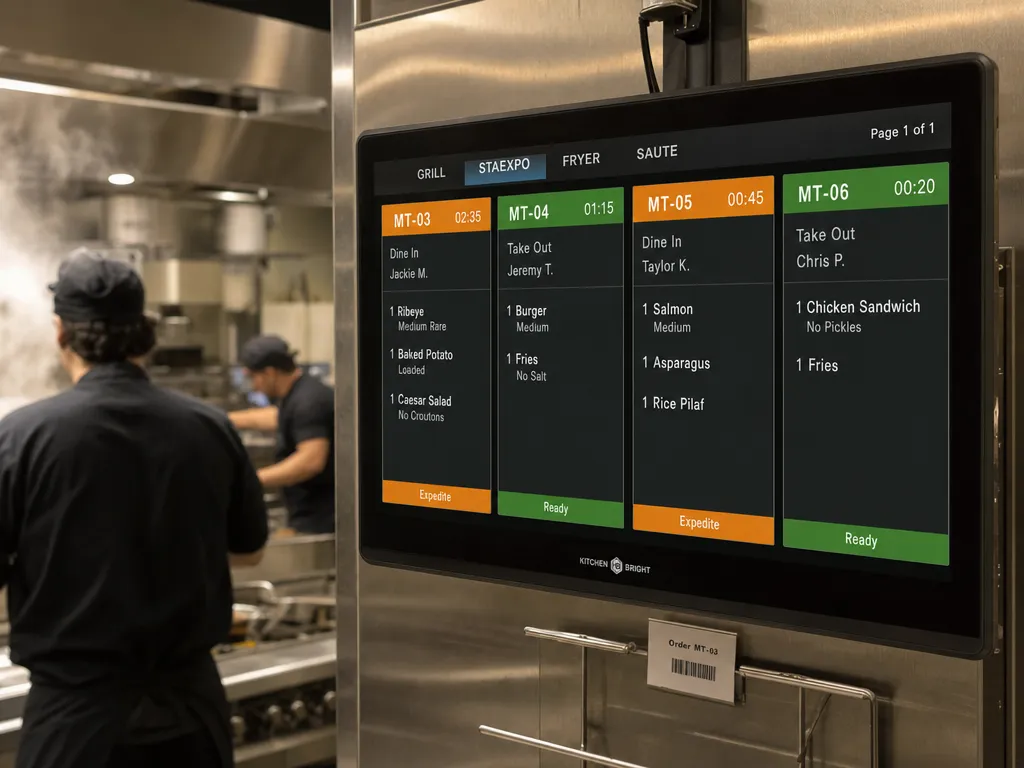
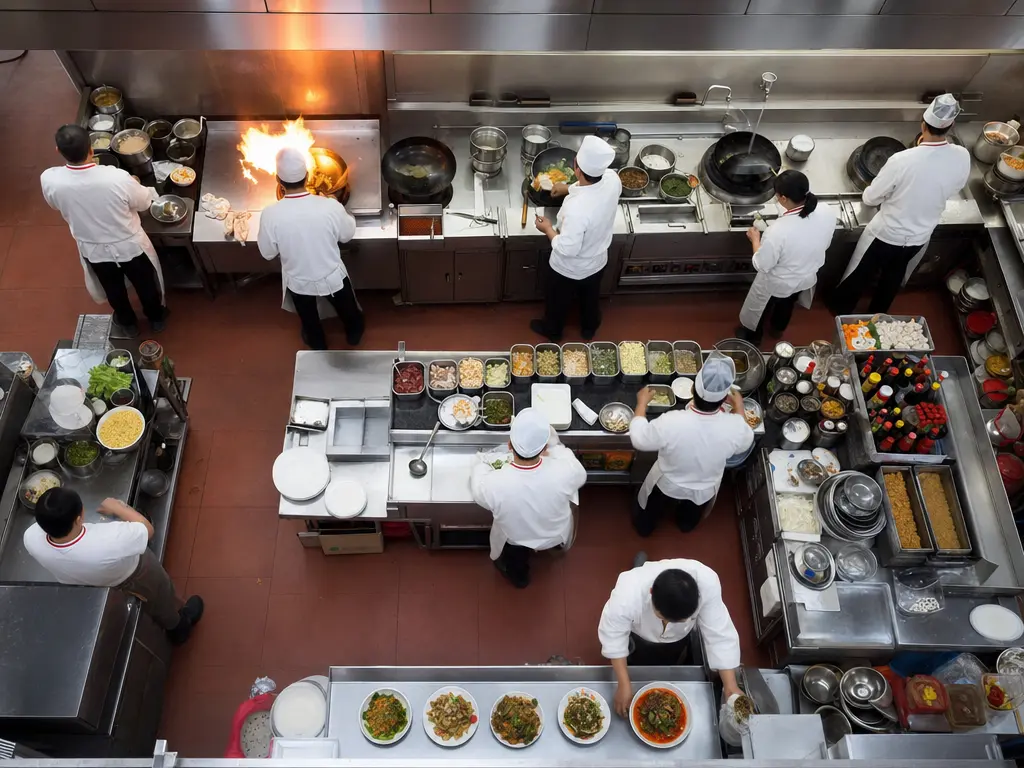
Kitchen display system

Kitchen stations, prep timers, cancellations, and reprints stay visible during busy service.

AI menu and reporting

1,000 AI Credits per month for menu OCR, natural language reports, and operating briefs.

Hong Kong payments and billing

Cash, electronic payment workflows, Stripe subscriptions, and annual plans are part of the upgrade path.

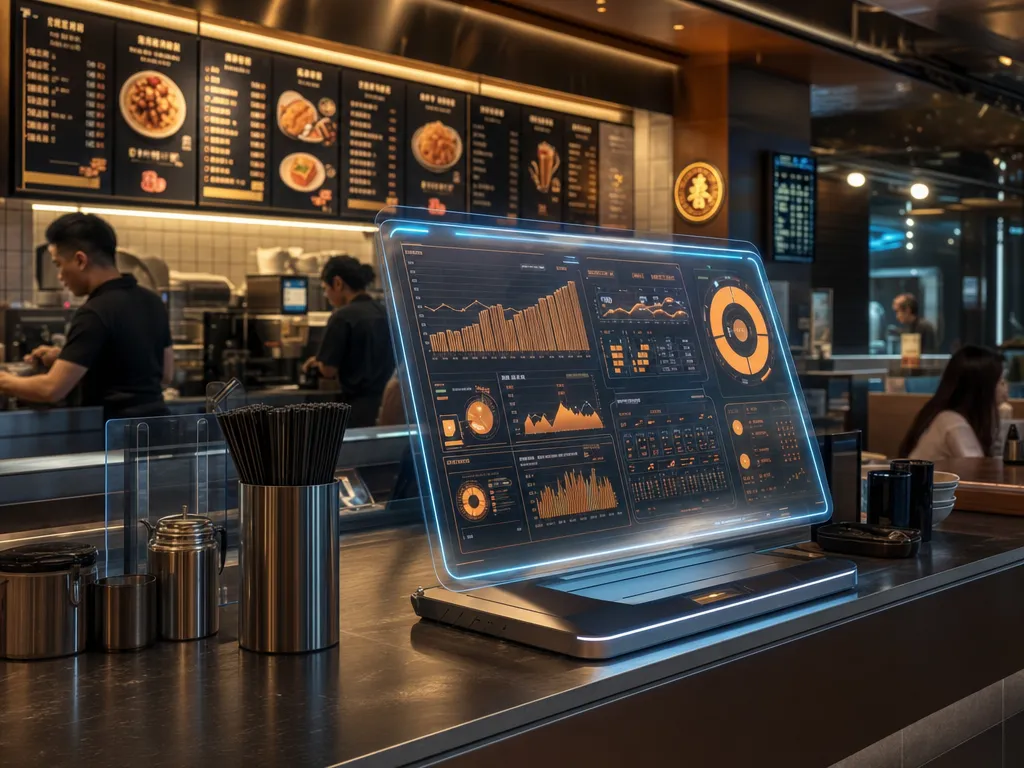
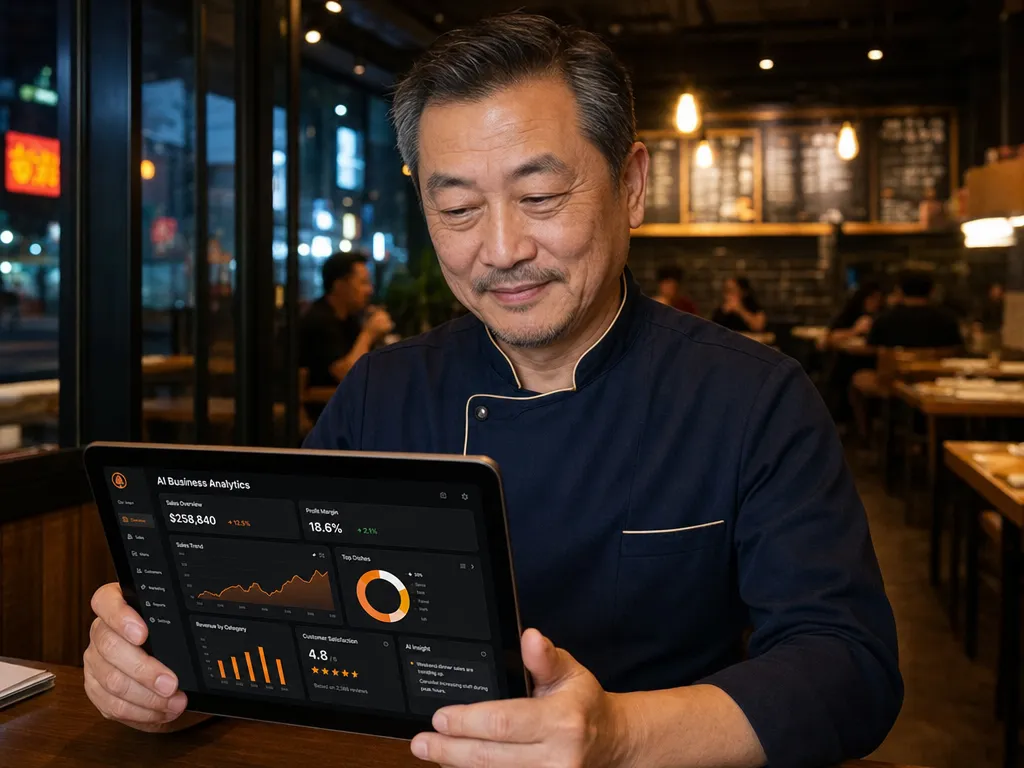
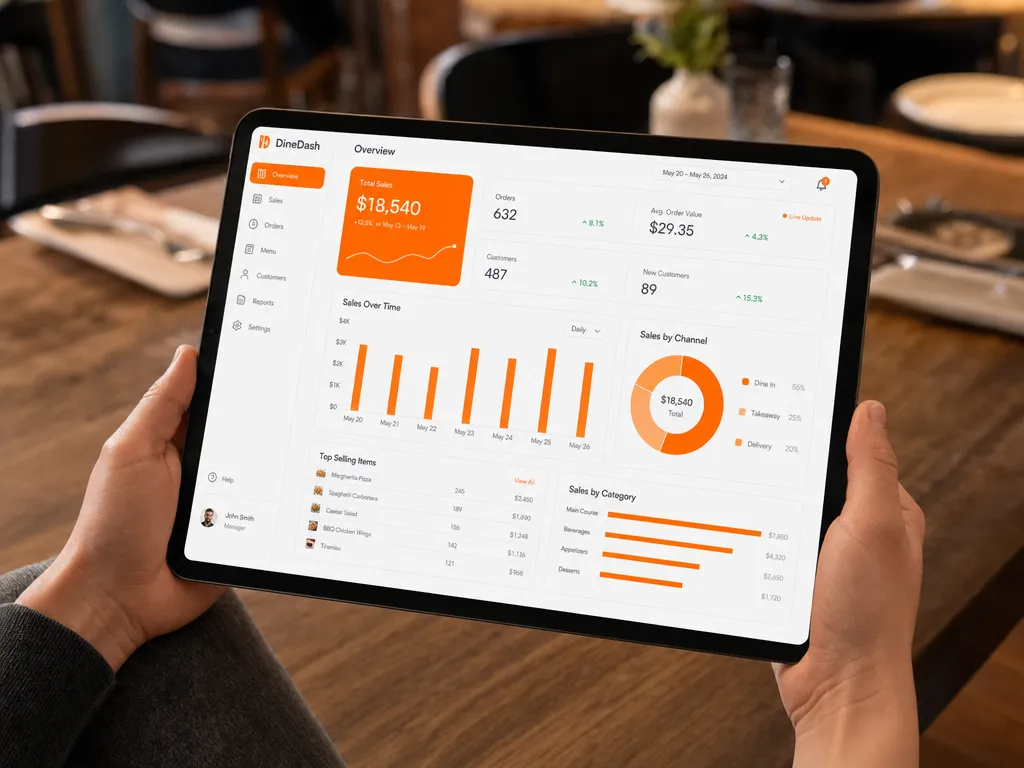
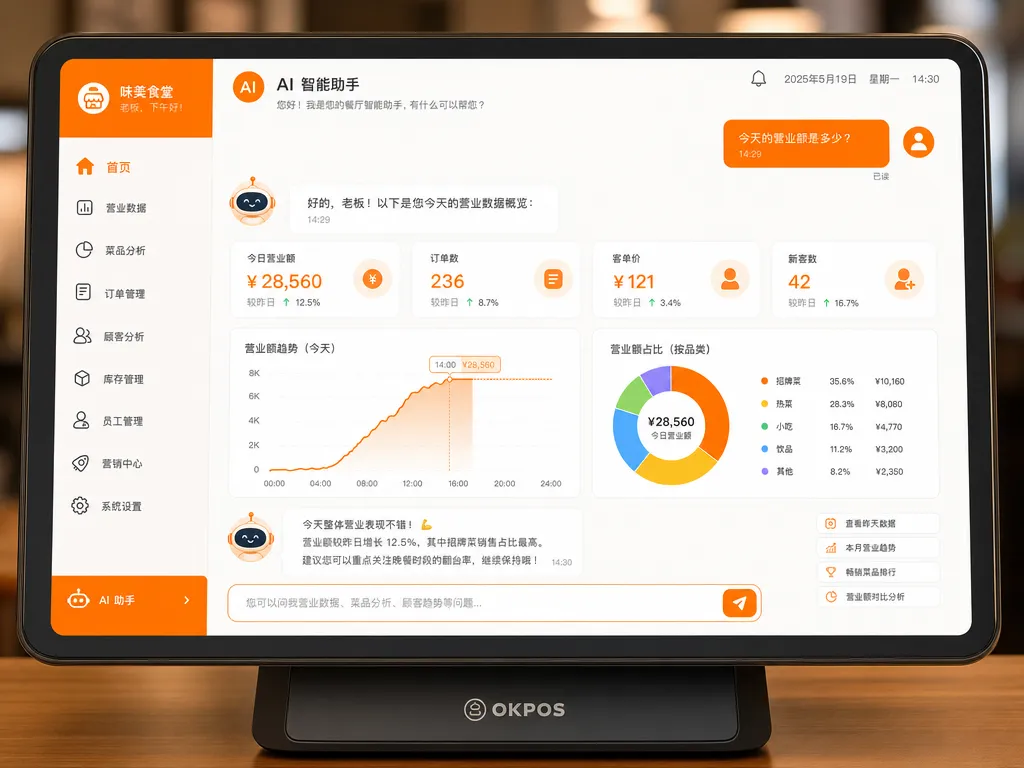
Operating overview

Sales, menu performance, time bands, refunds, and staff actions become easy daily decisions.

9 reasons

Why restaurants choose Rainbow POS.

From the first order to the owner’s daily decisions, Rainbow POS brings the usual operating gaps into one system.

01

Start a trial store in minutes

Self-serve sign-up, email verification, and guided onboarding help a new store run its first test order.

02

One flow for restaurant service

Dine-in, takeaway, edits, kitchen send, settlement, refunds, and discounts stay in one workflow.

03

Front-of-house and kitchen stay aligned

KDS, kitchen stations, timers, and reprints reduce verbal chasing during busy periods.

04

AI turns data into action

Menu OCR, natural language reporting, slow-mover analysis, and operating advice reduce spreadsheet work.

05

CRM with item-level history

Customer spending history, item details, preferences, and return patterns support repeat business.

06

Built for platform operations

The management console covers tenants, tickets, billing, integrations, and operating status.

07

Security and audit trail

Roles, permissions, operator logs, tenant isolation, audit records, and support tickets keep accountability clear.

08

Hardware rollout can start light

Use the soft-printer sandbox first, then connect printers, cash drawers, and displays when ready.

09

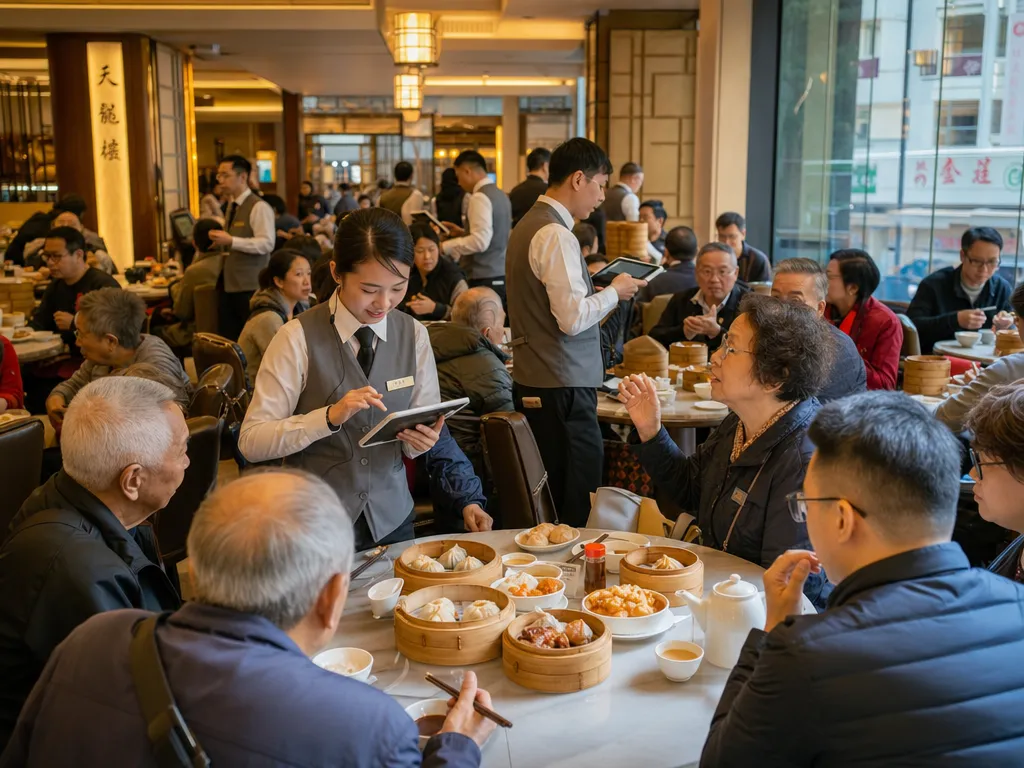
Hong Kong restaurant context

Traditional Chinese UI, Hong Kong payment workflows, and local restaurant operating patterns.

Onboarding

From sign-up to first test order, the flow stays short.

The onboarding is designed for owners to complete without waiting for sales, buying hardware first, or understanding network setup.

01

Start a trial

Enter email, restaurant name, and cuisine type. Email verification creates the trial tenant.

02

Finish onboarding

Import a menu, choose payment options, set a PIN, and use the soft-printer sandbox.

03

Enter POS

A short-lived handoff token takes you into POS so you can place the first test order.

Hardware path

Start with a sandbox, then connect real printers.

During trial, kitchen tickets and receipts can show in a soft-printer preview. Production setup supports mDNS, QR pairing, and LAN IP fallback.

XPrinter XP-T80W
Compatibility details and test results will expand on the hardware page.
Epson TM-m30III
Compatibility details and test results will expand on the hardware page.
Star SM-L200
Compatibility details and test results will expand on the hardware page.
RJ11 cash drawer
Compatibility details and test results will expand on the hardware page.
USB customer display
Compatibility details and test results will expand on the hardware page.
7-day free trial, no card required

Try it for 7 days before rollout.

Test ordering, kitchen send, settlement, AI menu tools, and reports with real restaurant workflows. Use the soft-printer sandbox before hardware rollout.

Create a trial tenant instantly
300 AI Credits included
Soft-printer sandbox
Handoff into POS
Start trial
Create your Rainbow POS trial store
Restaurant name
Work email
Phone (optional)
Cha chaan teng
Chinese
Cafe
Send email verification
No card required and no automatic charge. Contact us anytime to arrange a guided demo.